
Best Website Maintenance Services for Ontario Businesses
Running a trade business means you can’t waste time fixing a broken site. A solid maintenance plan keeps your pages fast, secure and ready to capture the next job. Below are three services that actually deliver the work you need, plus a quick checklist to help you lock down the right contract.
We analyzed 57 comments and questions from Reddit, YouTube and Quora about website maintenance services and found that 26% mentioned the tasks covered by maintenance.
1. Marketing Guardians: Subscription Maintenance for Canadian SMBs
Marketing Guardians offers a subscription‑based security and upkeep package built for small‑to‑medium Canadian firms. The plan bundles daily backups, automated patching and monthly performance reports.

It fits a local contractor who wants predictable costs and a single point of contact. The service covers WordPress and basic Shopify stores, so you can stay on a single dashboard even if you expand your product line.
Automation is baked in: nightly backups are stored off‑site, and plugin updates run on a staging copy before going live. That reduces the risk of a broken checkout during a busy week. The company also follows Canada’s GST/HST rules, so invoicing stays simple.
One limitation is that the plan does not include custom SEO work beyond basic on‑page checks. If you need aggressive keyword targeting, you’ll have to add a separate SEO service.
2. Holler Digital: An AI‑First Canadian Agency to Ask About Ongoing Support
Holler Digital is an Edmonton‑based agency with an AI-first approach.
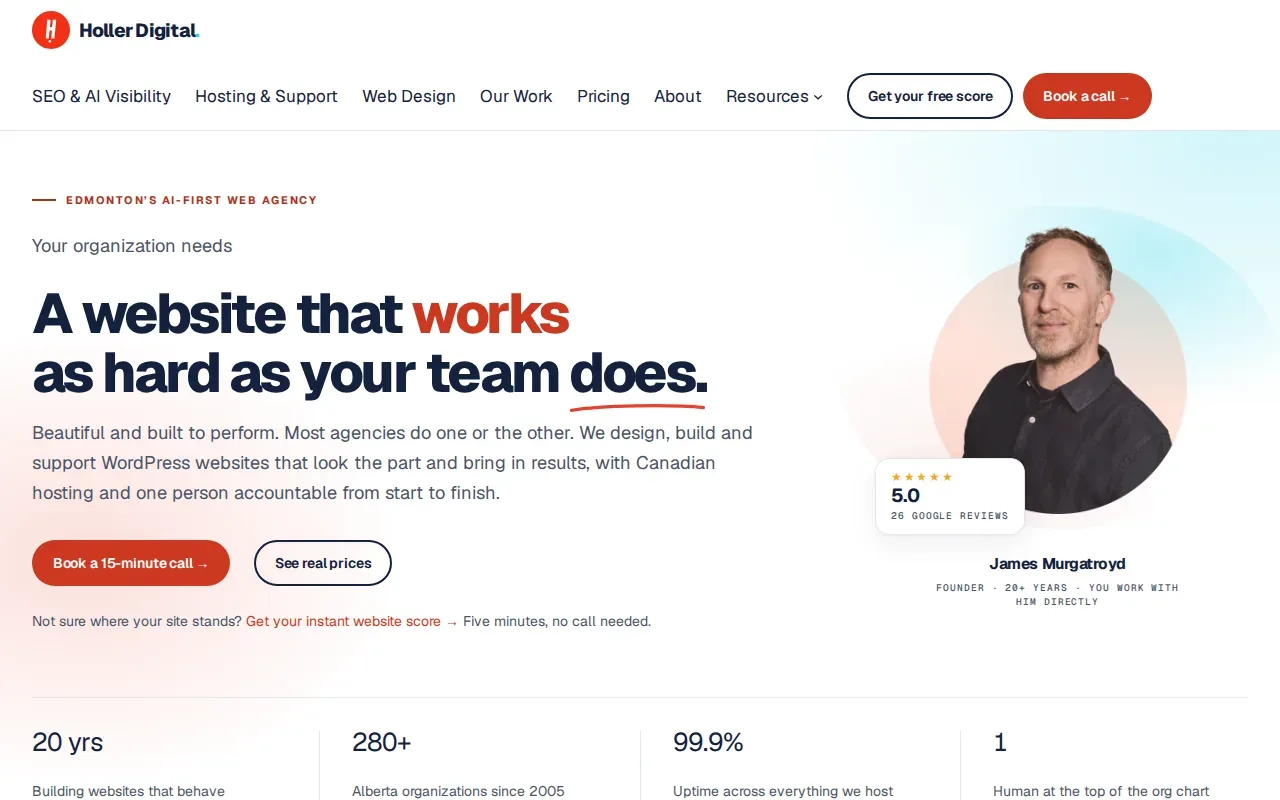
The service may suit a plumbing business that runs an online booking form, where a slow‑loading page can cause customers to abandon the form.
Holler Digital’s $135 CAD per hour rate is for extra hours on top of a plan, so you’ll want to define clear boundaries in the contract. Accessibility guidance is relevant for any Ontario business serving a diverse clientele.
You’ll still share responsibility for any third‑party outages.
Holler’s AI‑first approach can feel a bit technical for a small contractor. You may need a brief onboarding session to understand the monitoring dashboard.
3. Total WP Support
Total WP Support focuses solely on WordPress upkeep. Their core service includes core, theme and plugin updates, off‑site backups and a security hardening layer.
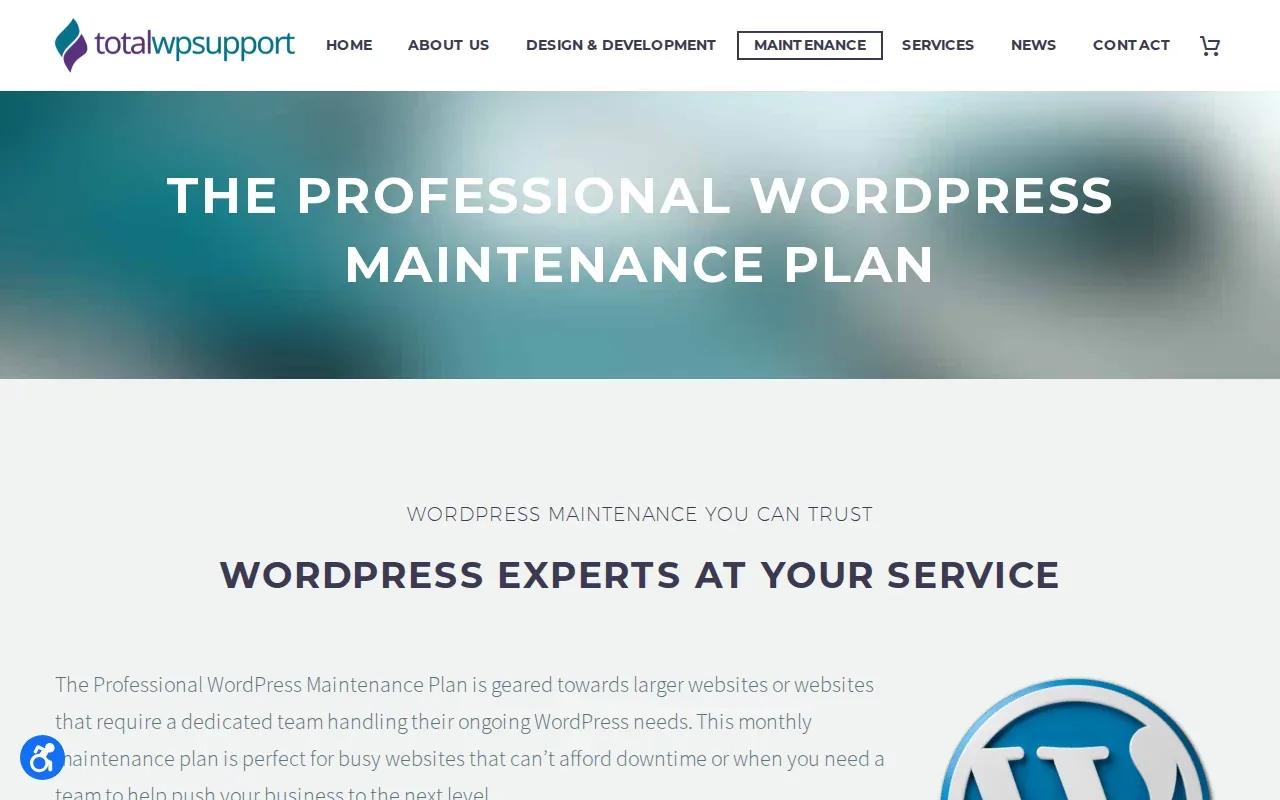
The offering is ideal for a roofing company that runs a content‑heavy blog to attract leads. They test every update on a staging site, then push it live after a quick sanity check.
Security monitoring runs 24/7, and they provide a written response window for critical vulnerabilities, usually within 24 hours. That aligns with the findings that most high‑impact WordPress flaws get exploited in under six hours.
One downside is that they do not bundle SEO or CRO services. If you need ongoing keyword work, you’ll have to contract a separate specialist.
Pricing details are available on request.
Website Maintenance Services Compared: Best Fit and Scope to Confirm
| Provider | Core Focus | Automation Level | AI / Monitoring | Typical Cost (CA$) |
|---|---|---|---|---|
| Marketing Guardians | Security + backups | High (daily backups, auto‑updates) | Basic alerts | 150‑299 / mo |
| Holler Digital | Website support | Medium (scheduled updates) | AI‑driven performance monitoring | 200‑350 / mo |
| Total WP Support | WordPress updates & security | Medium (staging tests) | 24/7 security scans | Rates on request |
For a trade‑focused business that needs reliable uptime and fast lead capture, Holler Digital’s AI monitoring gives the edge. If you prefer a pure WordPress stack with no frills, Total WP Support wins on cost. Marketing Guardians sits in the middle, offering the most automation for a modest price.
A Buyer’s Checklist for Website Maintenance That Helps Book Jobs
- Does the provider back up daily and store copies off‑site?
- Are updates tested on a staging environment before going live?
- Is there a written SLA for critical security patches (ideally < 24 h response)?
- Does the plan include uptime monitoring with alerts that reach you after hours?
- Can the service integrate with your CRM or booking system?
- Are Core Web Vitals tracked and reported each month?
- Is the pricing model flat‑rate or hourly? Flat‑rate helps budget for recurring costs.
Match each item to your business’s pain points. If you lose leads when a form breaks, prioritize staging tests and rapid patch response. If you’re worried about compliance, look for providers that run accessibility audits against WCAG 2.1.
Frequently Asked Questions
What does a website maintenance service actually do?
It keeps your site updated, backs up data, monitors security and watches performance metrics so the site stays fast and safe.
How often should backups be taken?
Daily off‑site backups are the industry standard; they protect you from ransomware and accidental data loss.
Do maintenance plans include SEO work?
Only a few providers bundle SEO. Most focus on security and performance, so you’ll likely need a separate SEO retainer for keyword growth.
Can I get a maintenance contract that covers my booking software?
Yes, look for a plan that lists integration with third‑party plugins or custom code support, otherwise the booking flow may break after an update.
Is there a difference between hourly and retainer models?
Retainer plans charge a flat monthly fee and give you predictable budgeting; hourly work can spike when emergencies arise.
Do these services handle accessibility compliance?
Some do. If your business serves the public, ask for regular WCAG 2.1 audits to avoid legal risk.
Conclusion
For Ontario trades that need a site that books jobs around the clock, we recommend starting with IronSpur Web Services to get a smart, AI‑driven website built, then pair it with a maintenance partner that matches your budget and automation needs. Reach out for a free audit and lock in a plan that protects your revenue stream.