
Best Web Design for Contractors: 5 Site Types
Web design for contractors should do more than explain what your company does. It should help the right customer find a service, trust your work and take the next step. Here are five site types that support that process, plus what to check before you invest.
We analyzed 22 comments from YouTube and Reddit about web design for contractors and found that 27% mentioned low perceived importance.
Table of Contents
Lead-Generation Contractor Website — Built to Turn Visits into Inquiries
Local SEO Contractor Website — Designed for Service-Area Searches
Project-Gallery Contractor Website — Showcasing Work with Context
Mobile-First Contractor Website — Fast to Use from the Job Site
Trust-and-Automation Contractor Website — Reviews, FAQs and Faster Follow-Up
1. Lead-Generation Contractor Website — Built to Turn Visits into Inquiries
A lead-generation site guides each visitor toward a clear next step. It suits contractors who get traffic but want more quote requests, consultations or booked appointments from it.
Start with a page for each main service. A Hamilton roofer, for example, could give roof repairs their own page, separate from full replacements. Each page should explain the work, show the next action and make it easy to send an inquiry. A short form can ask for the service needed, the job location and a preferred time to follow up.
That is conversion architecture in plain terms: put useful answers beside a clear action, then route each inquiry to the right person. A visitor asking about an urgent repair should not get buried in a general inbox. The site should also connect lead capture forms with CRM integration, so your team can track what happens after submission.
IronSpur Web Services builds AI-driven, SEO-ready sites with lead capture, appointment booking, automated follow-up and CRM integration. Its website says inbound prospects are engaged within sixty seconds through lead routing and CRM dispatch. Contractors who want a managed system can compare lead generation websites for Ontario businesses before deciding what needs to connect.
A good test: submit a form yourself. Check where the lead goes, what response the customer gets and whether your team can see the next task.
2. Local SEO Contractor Website — Designed for Service-Area Searches
A local SEO site helps nearby customers find the service they need in the areas you actually cover. It fits contractors working across several towns or neighbourhoods, especially when customers search by both trade and location.
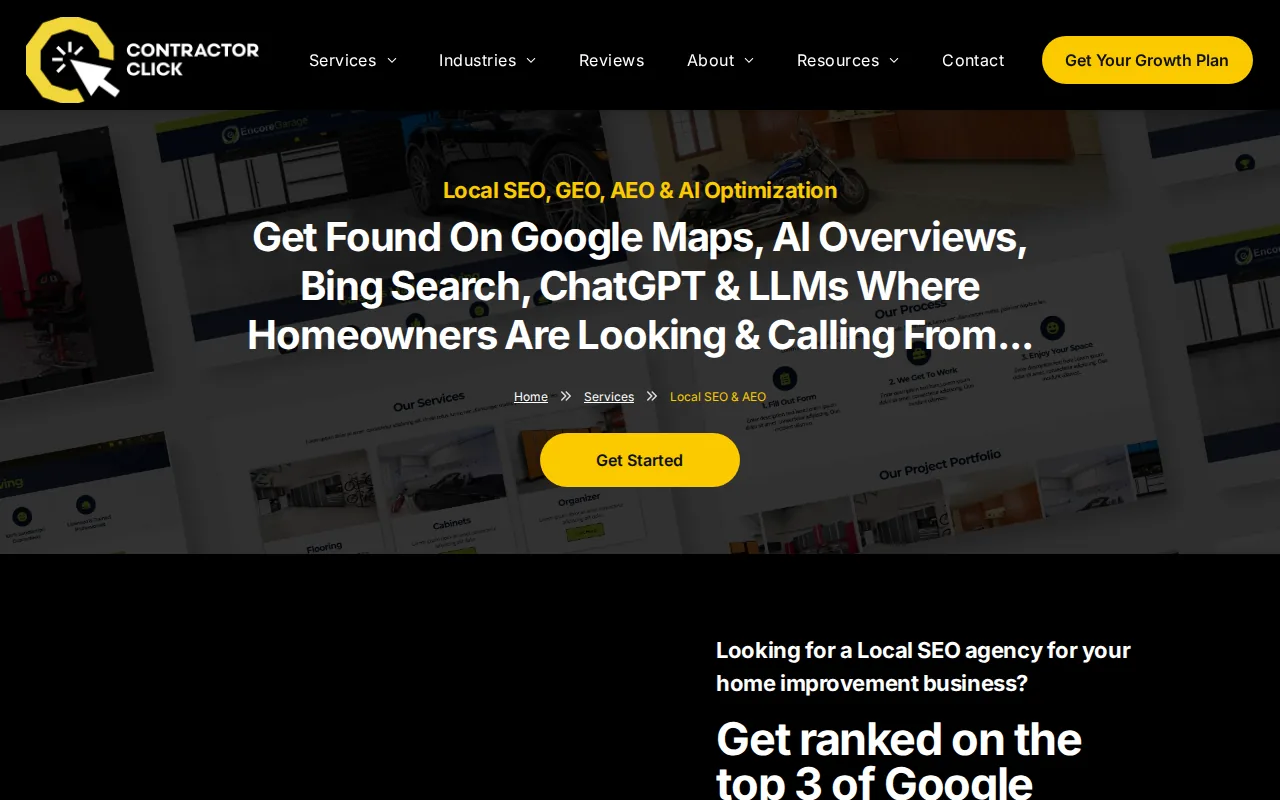
Build a useful page for each core service, then add location pages only where you can provide meaningful local detail. A contractor serving Burlington, Stoney Creek and Oakville could explain which work is available in each area and show relevant projects where possible. Avoid swapping city names into identical pages. That gives visitors little help and gives search engines little reason to treat each page as distinct.
Make your business details consistent across your site and business listings. Keep service areas clear, use plain language for each trade and give each page a useful title. Useful content written in plain language helps visitors and search engines understand each page. That is a sound base for local search too.
IronSpur Web Services works with Ontario businesses and lists service areas that include Hamilton, Ancaster, Dundas, Milton, Guelph, Mississauga and Toronto. Its local SEO work can sit alongside lead capture, so the visitor who finds a service page has a clear route to make an inquiry. See Burlington SEO and custom web design for a local example of that service focus.
Keep every location page honest. If you do not take a type of job in a town, do not imply that you do.
3. Project-Gallery Contractor Website — Showcasing Work with Context
A project-gallery site makes past work easy to review. It suits builders, renovators and trades where customers want proof that you have handled a job like theirs.

Use real photos from completed work, then group projects in a way that matches how clients choose. A renovation firm might sort by kitchens, bathrooms and additions. A general contractor could group by residential and commercial work. Clear labels help a visitor get to a relevant example without scrolling through every job.
Each project page needs more than a photo. Add a short account of the client’s goal, the work completed and the town or region, with permission where needed. Explain the scope in everyday terms. If a project involved a tight access point or a phased schedule, say so when that detail helps the next client understand your approach.
Link each project to the related service page. Someone viewing a basement renovation should be able to reach the page about basement work without returning to the main menu. A clear inquiry button near the project details gives the visitor a next step while the example is still relevant.
Real project images also need sensible file sizes. Large image files can slow a page, so compress them before upload and use image dimensions suited to their display. Keep the work proof current, too. A gallery that reflects the jobs you want now is more useful than a long archive of unrelated work.
Pro Tip: Ask your team to add a brief project note when a job wraps up. The location, service type and one detail about the scope can make a photo far more useful to a future client.
Let the work explain your fit. A small set of well-labelled examples can answer more than a crowded gallery.
4. Mobile-First Contractor Website — Fast to Use from the Job Site
A mobile-first site puts the key task within easy reach on a phone. It fits contractors whose customers search while they are at home, at a job site or between errands, and whose staff may need to manage inquiries away from a desk.
Keep the mobile menu short. Put core services first, make forms easy to complete and use buttons that are easy to tap. A customer looking for an electrician in Mississauga should be able to find the service page and start an inquiry without pinching, zooming or hunting through a desktop-style menu.
Speed matters here. Compress images, remove scripts that do not help the visitor and test key pages on a phone connection. Core Web Vitals measure loading performance, interactivity and visual stability. These checks help teams spot page problems that can get in the way of use.
Mobile access also matters after the form is sent. IronSpur Web Services describes a mobile app for managing leads, replying to inquiries, tracking pipeline value and managing a calendar. For a trades business, that can keep a new request visible while the owner is out on a site instead of waiting until the end of the day.
Check your own site on a phone before launch. Try the menu, complete a form and confirm that the confirmation message is easy to read.
5. Trust-and-Automation Contractor Website — Reviews, FAQs and Faster Follow-Up
A trust-and-automation site answers common concerns and keeps inquiries moving after they arrive. It suits busy teams that cannot stop work every time a prospect submits a question.
Use genuine customer reviews and short case studies to show what clients valued. Keep each review tied to a real customer and job. Then add an FAQ that covers the questions your team hears often, such as which areas you serve, what information helps prepare a quote and what happens after an inquiry.
Automation can handle the next handoff. A chatbot or integrated AI voice tool can collect basic details, while automated AI follow-ups confirm receipt and prompt the lead to book a time. The team still needs a clear way to take over when a question needs trade knowledge or a site visit. Automation should route work, not make promises your crew cannot keep.
IronSpur Web Services combines AI-driven lead capture with appointment booking, CRM connectivity and automated follow-up. That gives a contractor one lead capture pipeline to manage rather than separate tools that leave gaps between the form, the inbox and the calendar. Its modern web design service brings web design, SEO and AI follow-up together for Ontario businesses.
Before choosing a system, map the path from first inquiry to booked appointment. Decide who handles exceptions, what details the CRM should store and how your team will know a lead needs a human response.
Key Takeaway: AI lead capture works best when the inquiry reaches a person or booking calendar through a clear CRM process.
Ready to get more qualified inquiries? Request IronSpur Web Services’ free marketing report to see where your site can improve lead capture and follow-up →
Frequently Asked Questions
What should a contractor website include?
A contractor website should include clear service pages, service-area details and an easy way to request a quote. Add project examples that match the jobs you want, along with genuine customer feedback and answers to common questions. If you use automation, connect the form to a process your team can manage, such as a CRM task or appointment booking.
How does local SEO help contractors?
Local SEO helps your business appear when nearby customers search for a trade or service in their area. Clear service pages and accurate location details help people judge whether you work where they need you. Create location pages only when you can add useful local information, rather than publishing near-identical pages for every town.
What makes a contractor website mobile-friendly?
A mobile-friendly contractor site is easy to read and use on a phone. Visitors should be able to find a service, tap a clear action and complete a short form without zooming. Test the full inquiry path on a real phone, including the confirmation message, and check that large images do not slow key pages.
Should contractors add AI chat or automated follow-up?
AI chat or automated follow-up can help collect inquiry details and confirm that a request reached your team. It works best when connected to CRM integration or appointment booking, so someone can track the next action. Set clear handoff rules for questions that need a human answer, a site visit or a custom quote.
Conclusion
Choose the site type that fixes your biggest gap first: local visibility, stronger project proof, mobile usability or lead handling. For a managed system that combines SEO, lead capture and follow-up, ask IronSpur Web Services for its free marketing report and use it to set your next steps.